What's New in TimeTracker NX 5
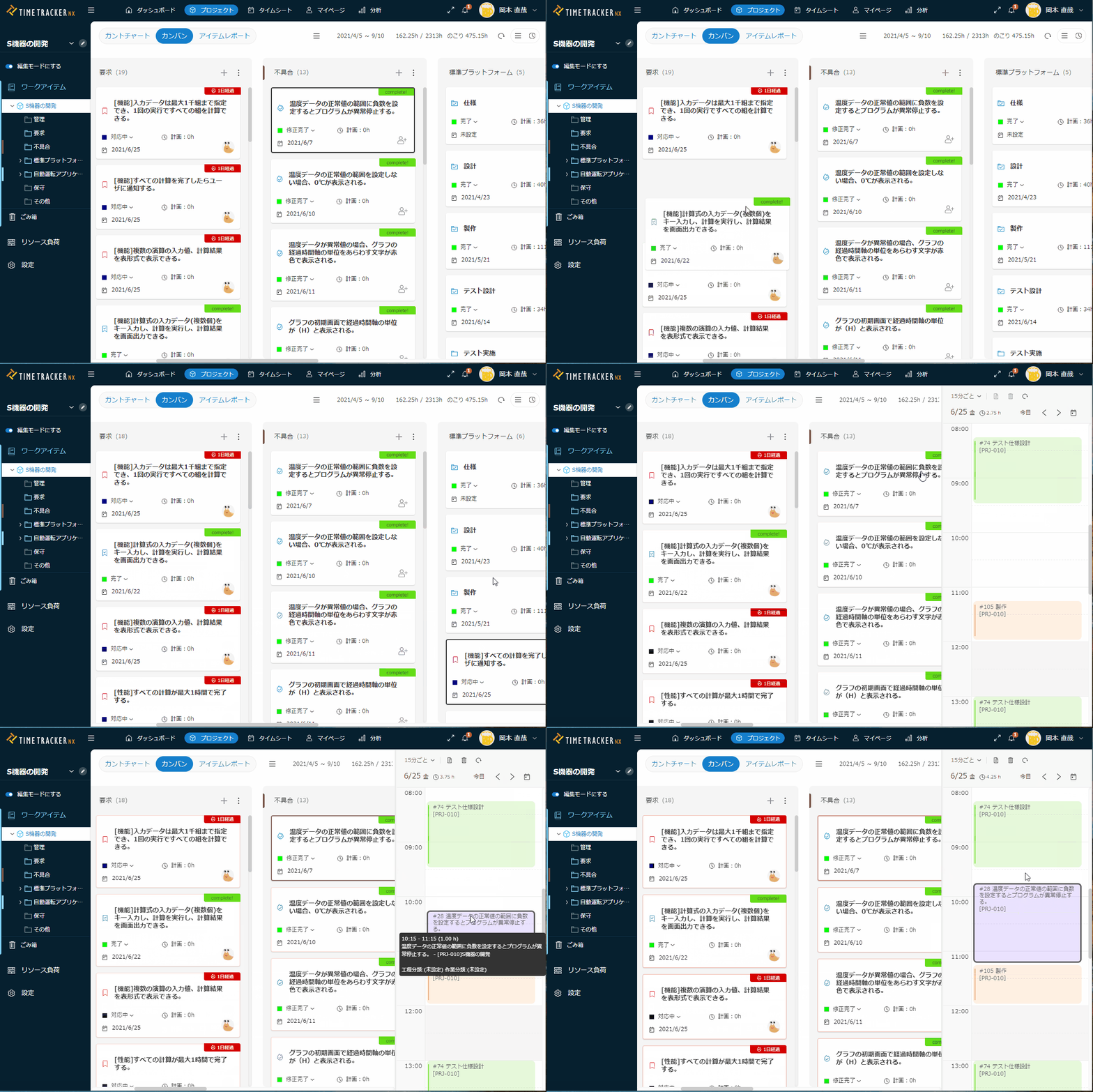
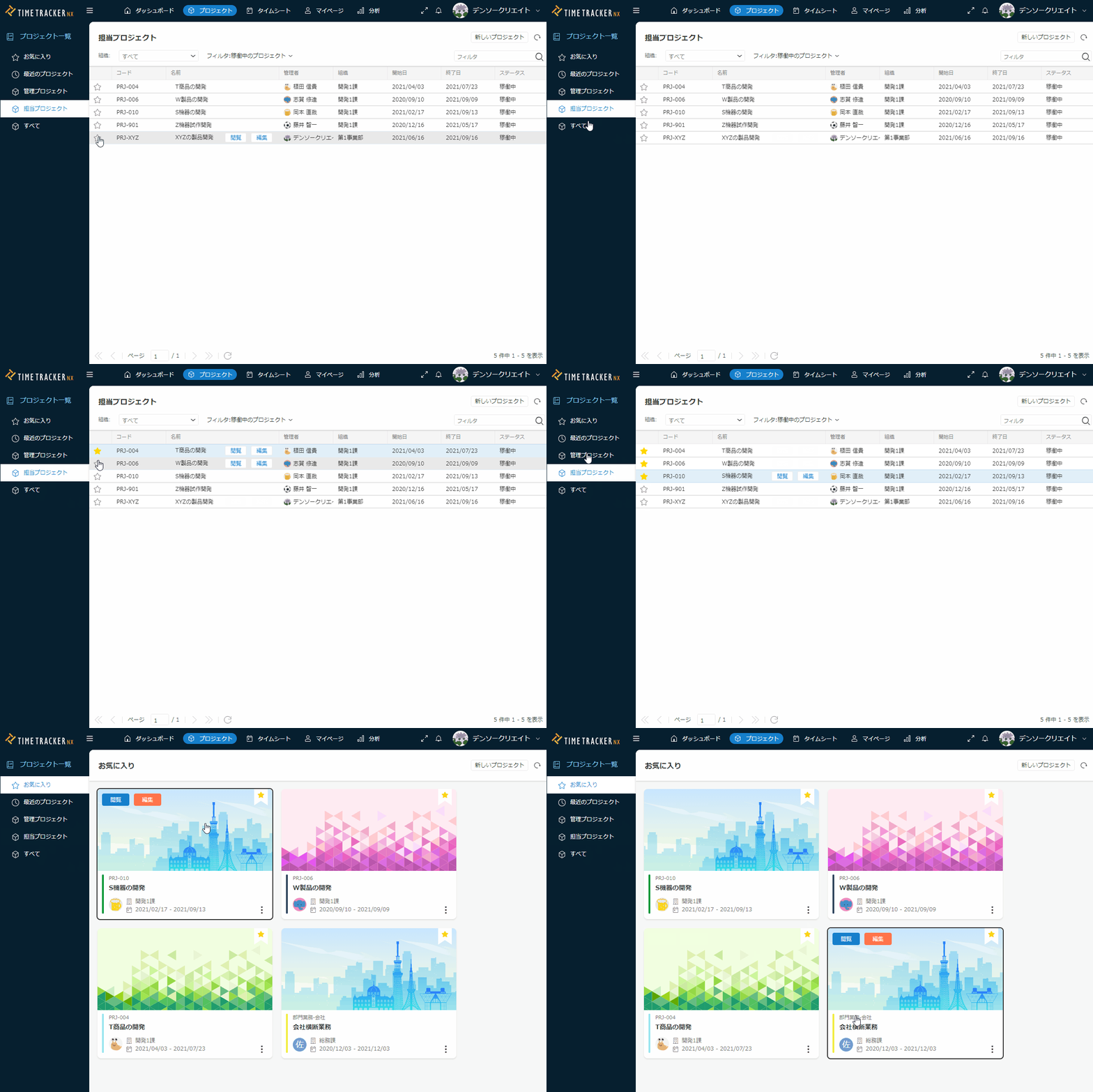
Easy item management in kanban
You can View the items in your project. You can share the items and their status with everyone in your team.
In addition, you can also Input work time from Kanban. By combining Input work time and kanban,Recording and improving highly accurate Actual time in Kanban-centered project-managementYou can connect to.
-
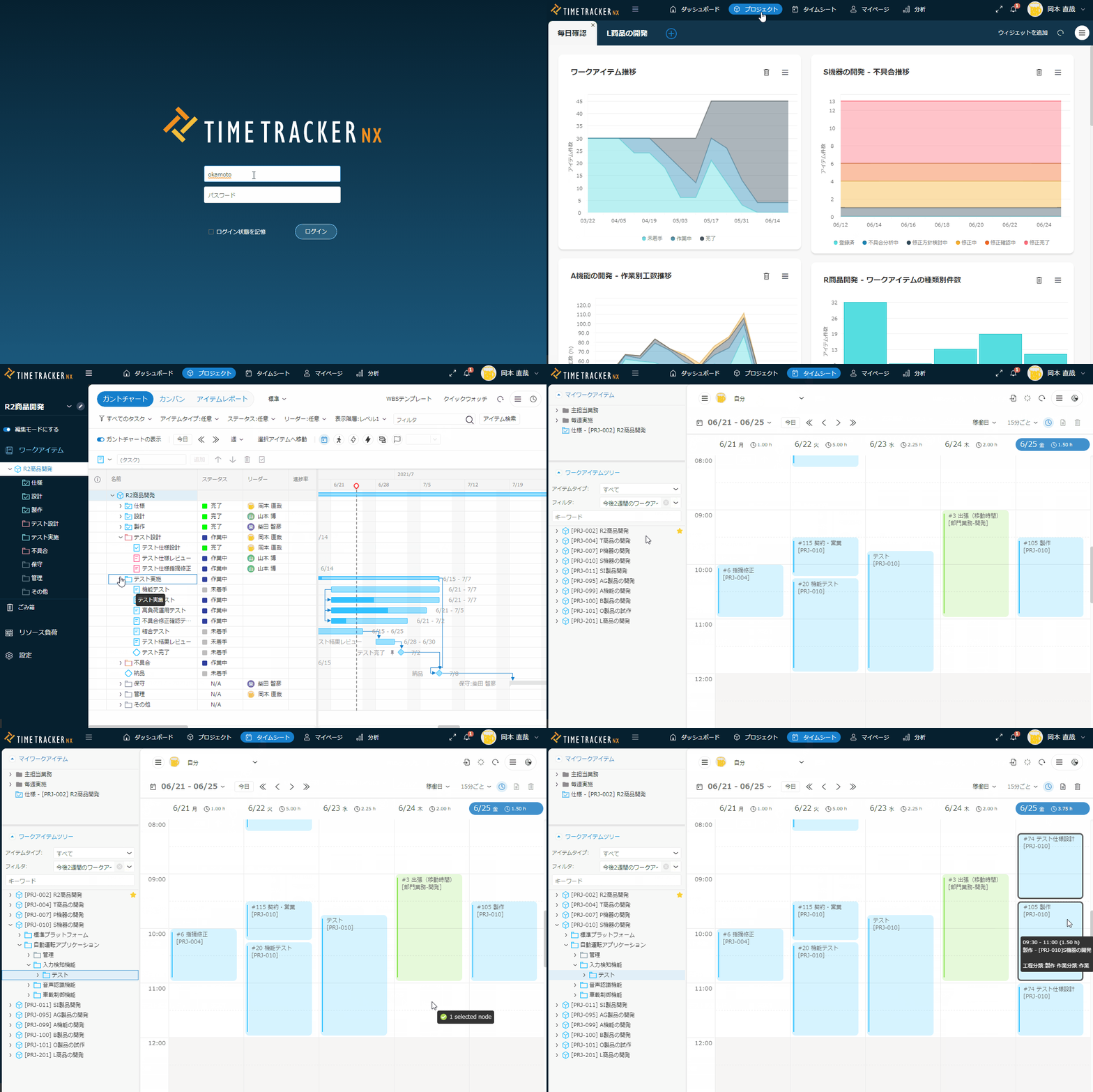
All ItemsSearch in theproject
You can search for items in your project using keywords.
You can jump to related items from the list of search results.
The item you want to see."immediately,"You can find it.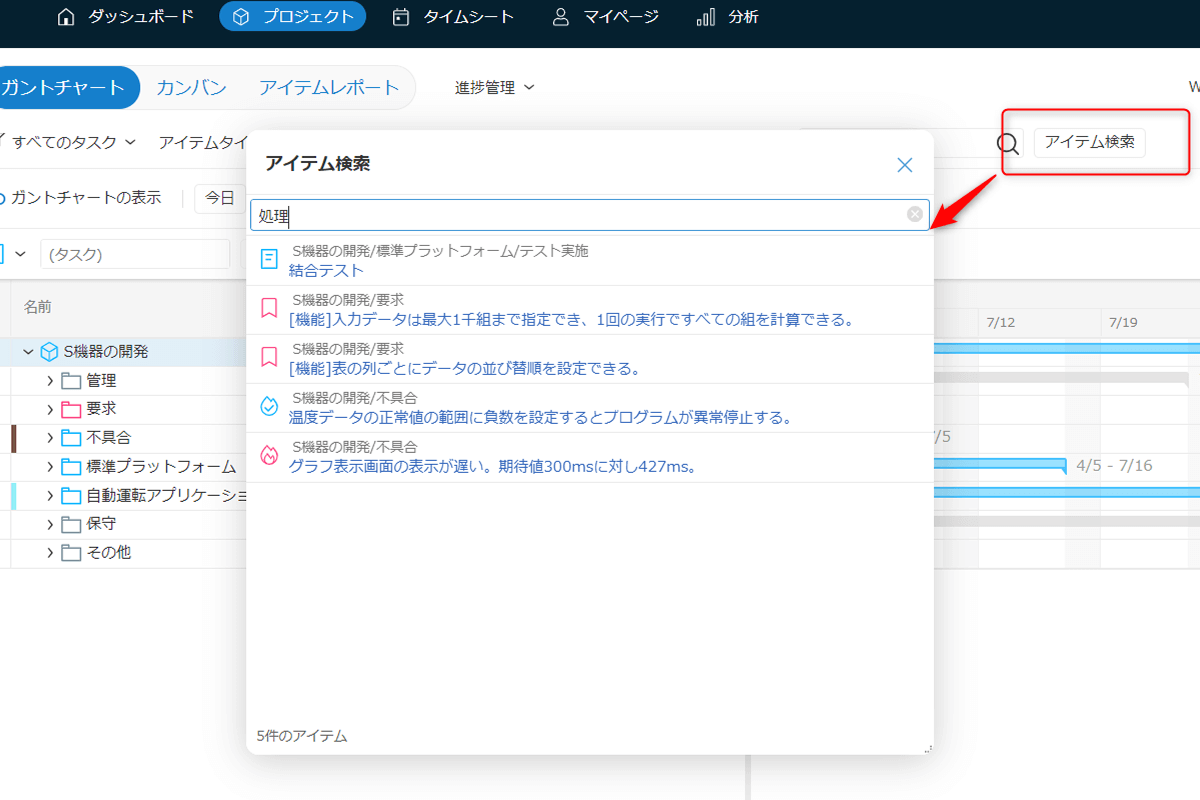
-
Aggregation can be performed by Items or by duration.
In response to requests from many users, we have set a specific period of time,
You will be able to aggregate man-hours by Items.
Based on Data of Output in Export Actual WorkFeatures
Let's use Excel pivottable to tabulate the results.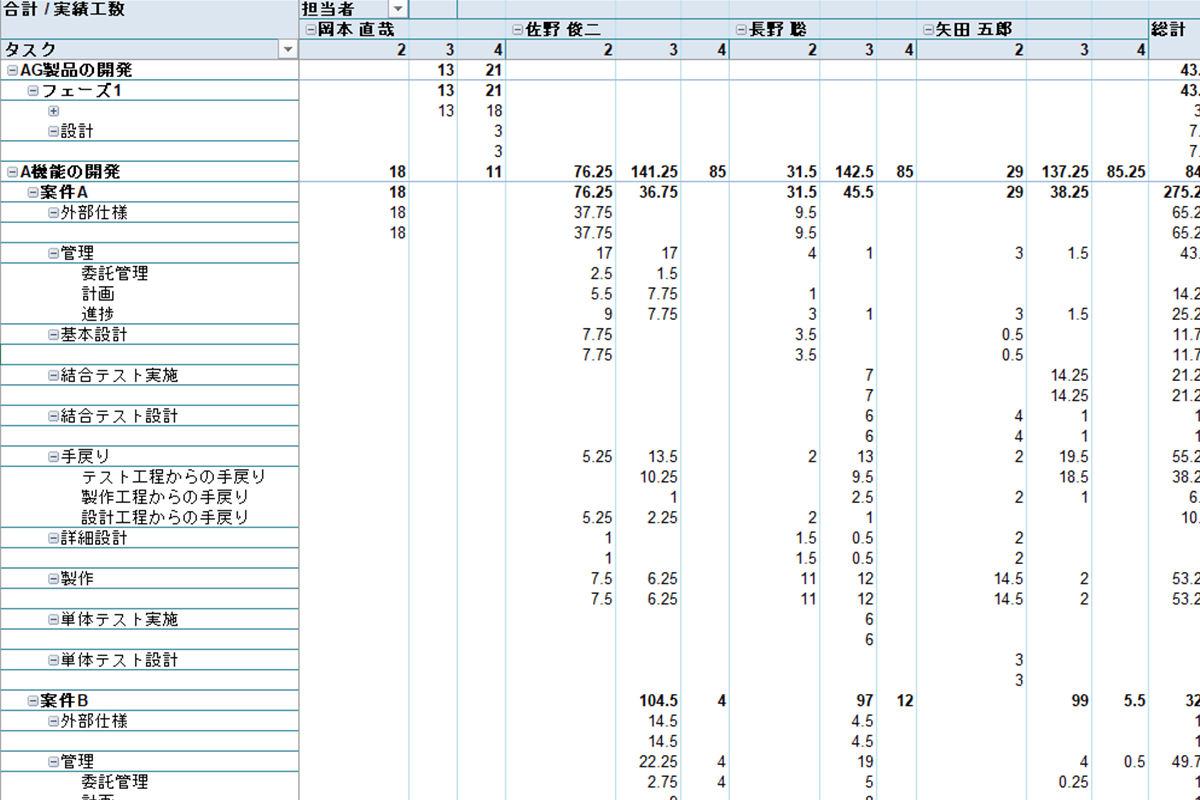
-
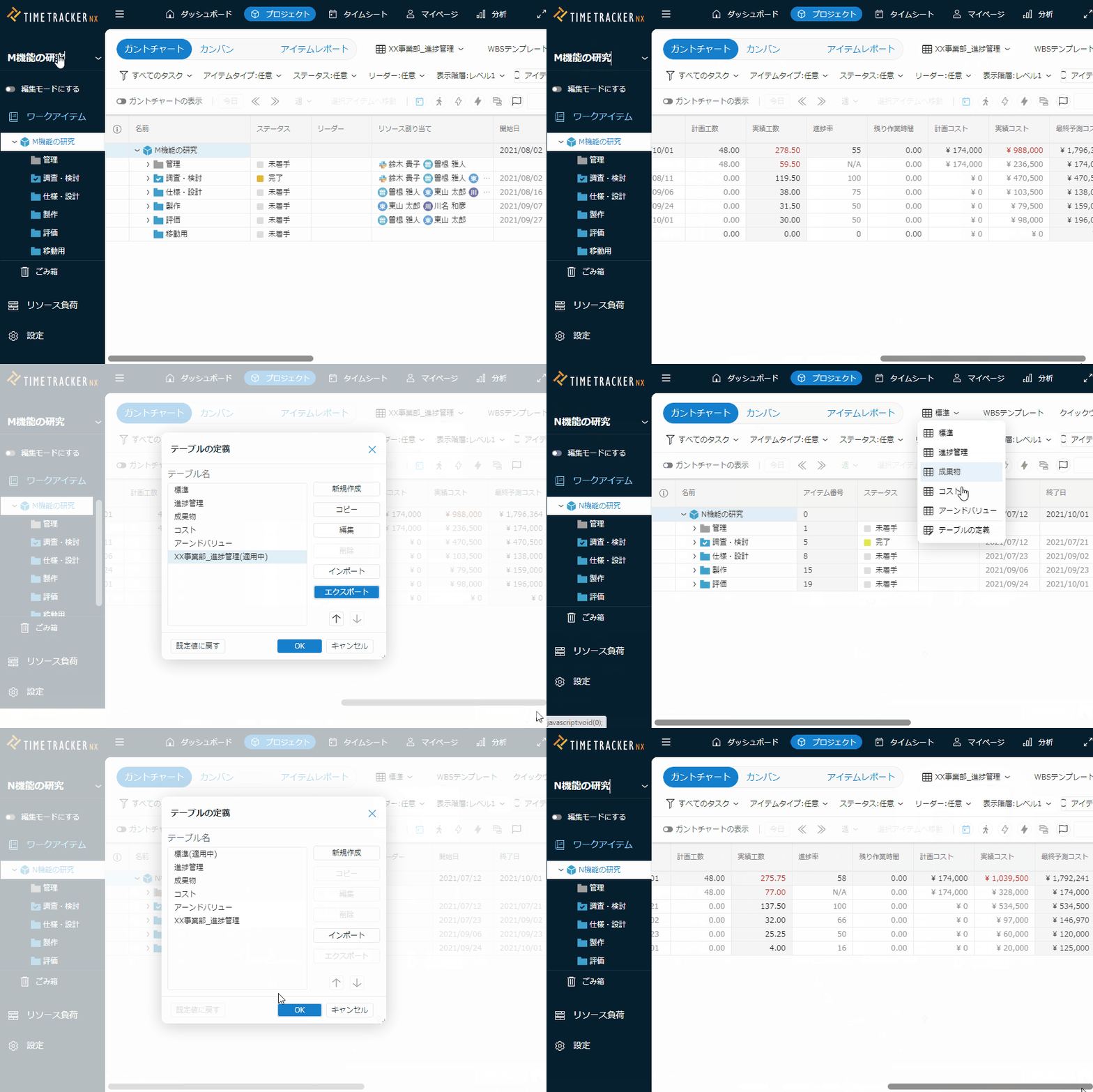
View gantt Table allocations
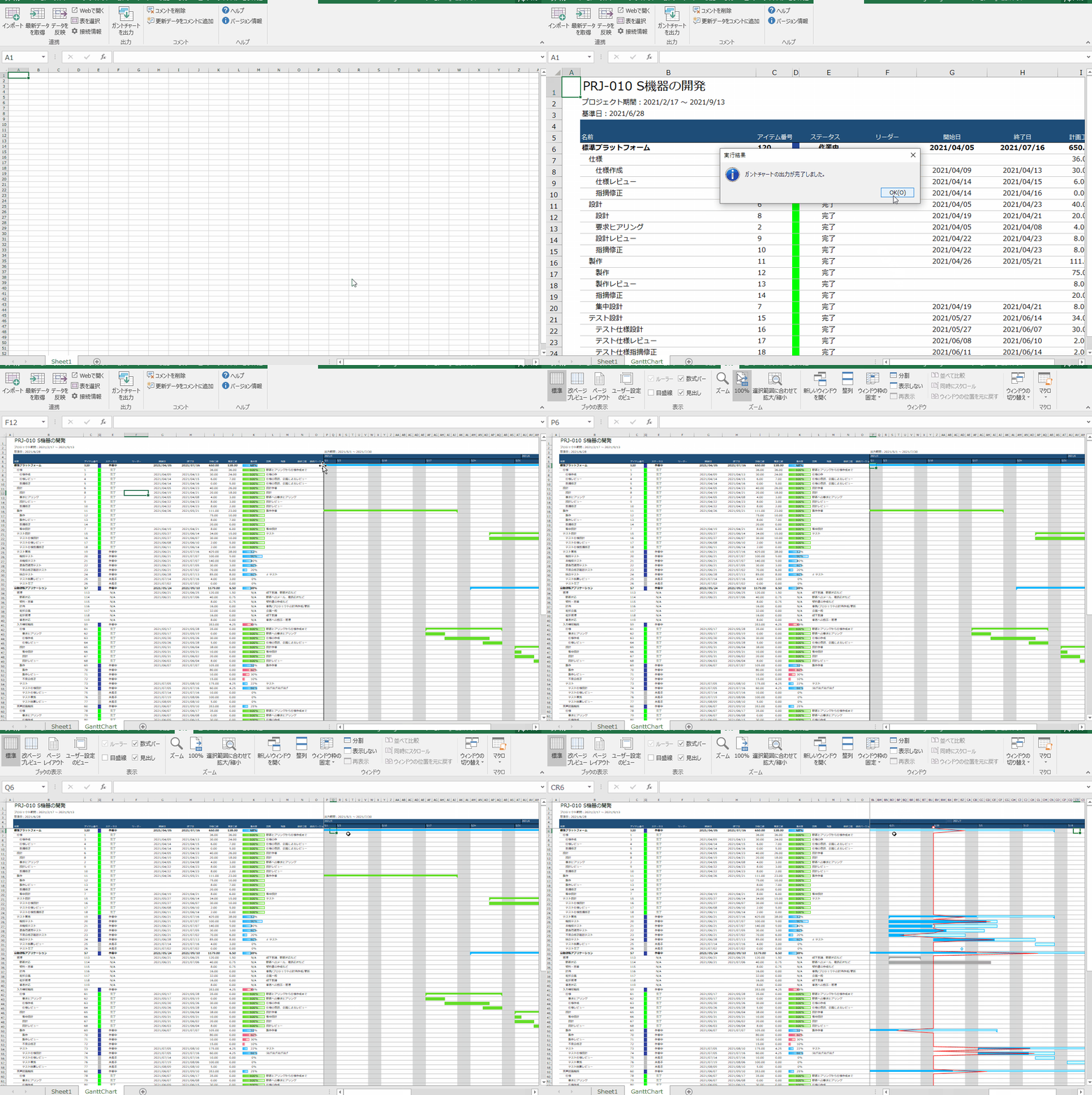
View Items allocation from the Gantt Table.
By copying the table, as well as by manipulating it on the table
You can "Output to Excel easily.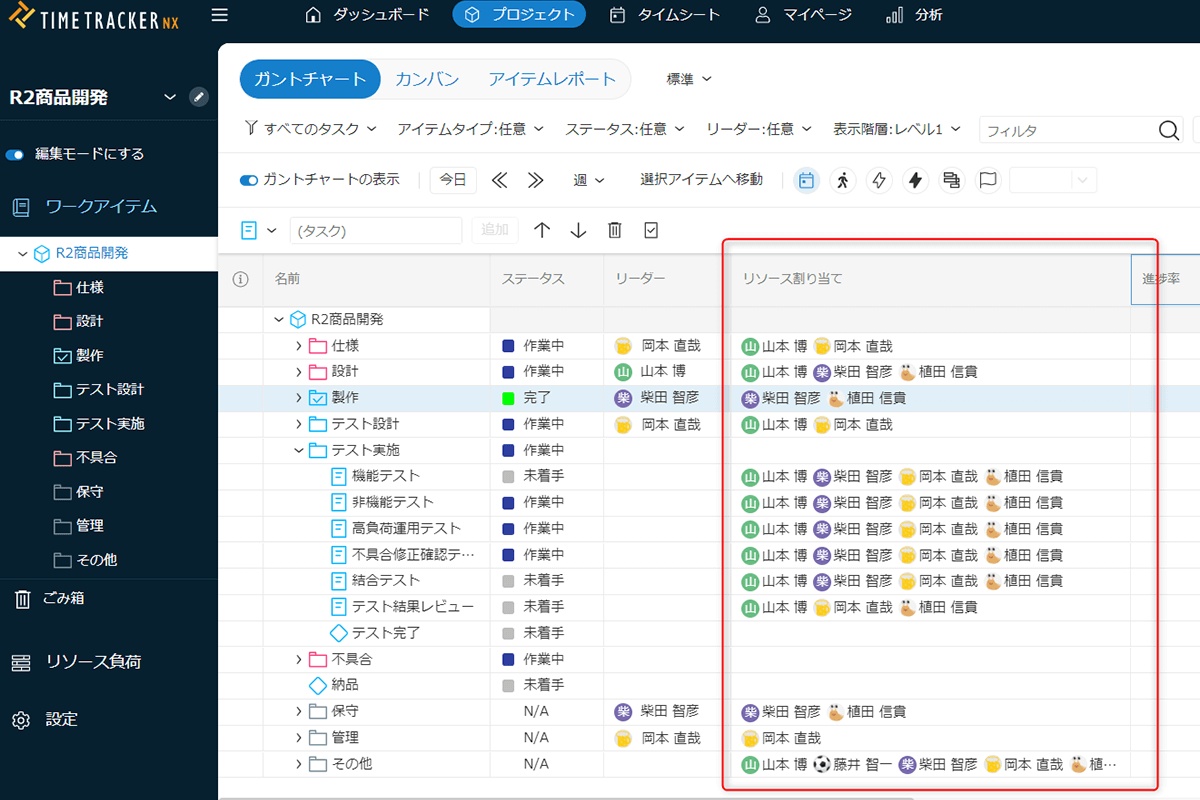
-
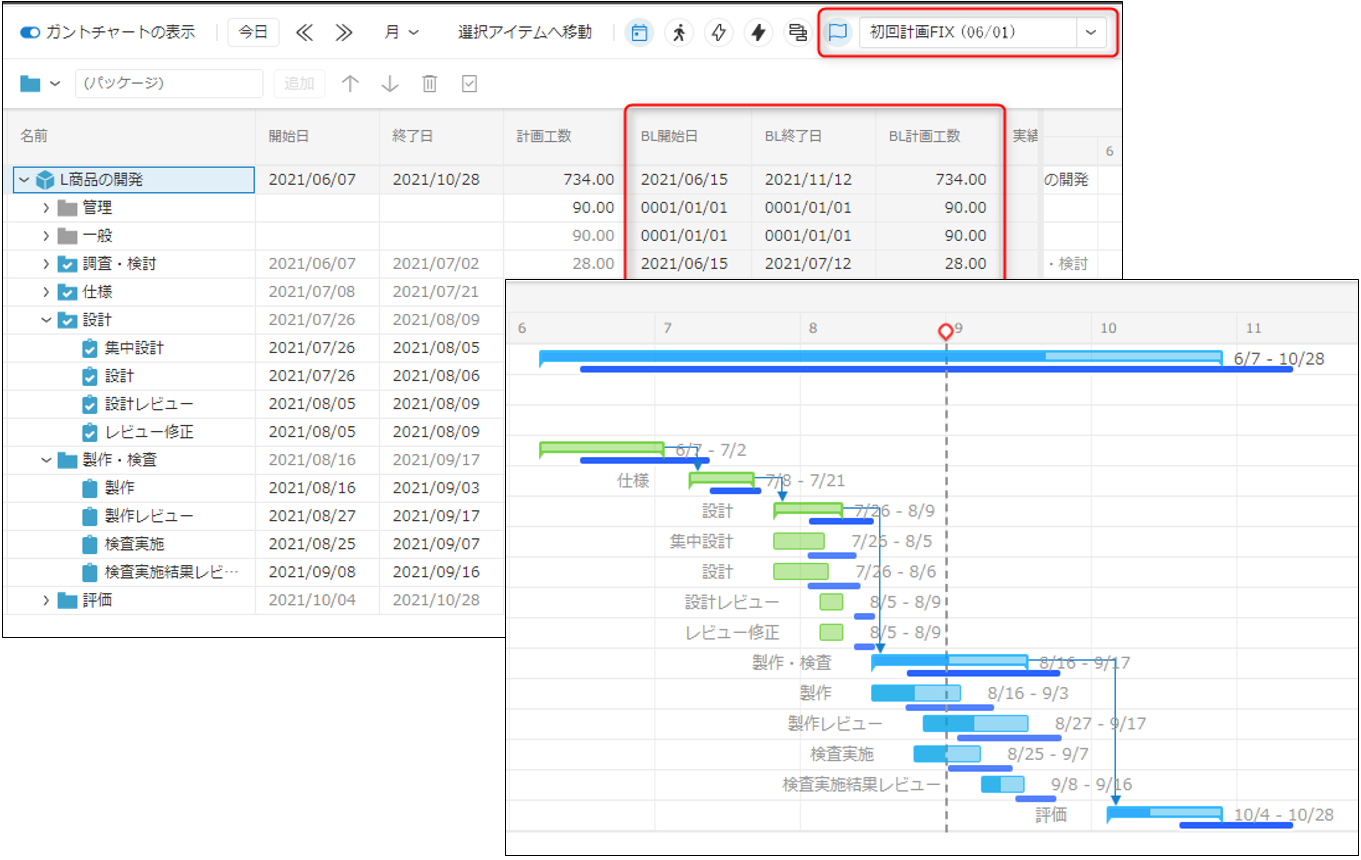
Baseline saving of project plan
You can save a project plan baseline with a name. By naming baselines, you can instantly identify the baselines you want.